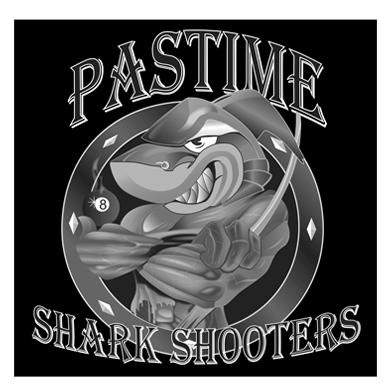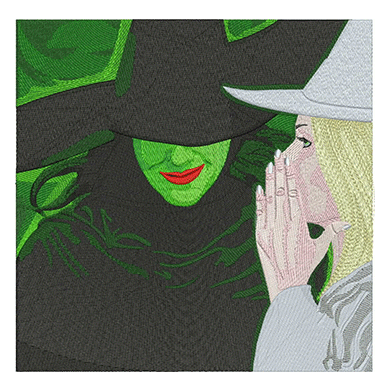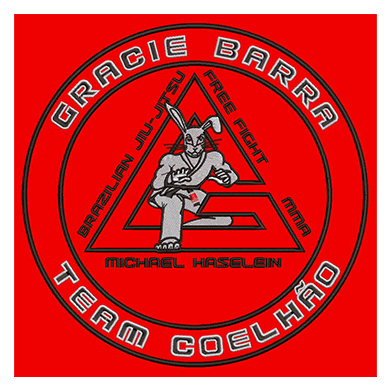
A logo that looks sharp on a website can turn into a blurry patch of thread on a cap. Hats give you less room, a curved surface and a firm front panel, so the artwork has to be planned for that space before anyone starts digitizing.
This guide covers the sizes that fit each cap placement, how to simplify a logo so it stays readable, and what to send your digitizer so the first sew-out is right.
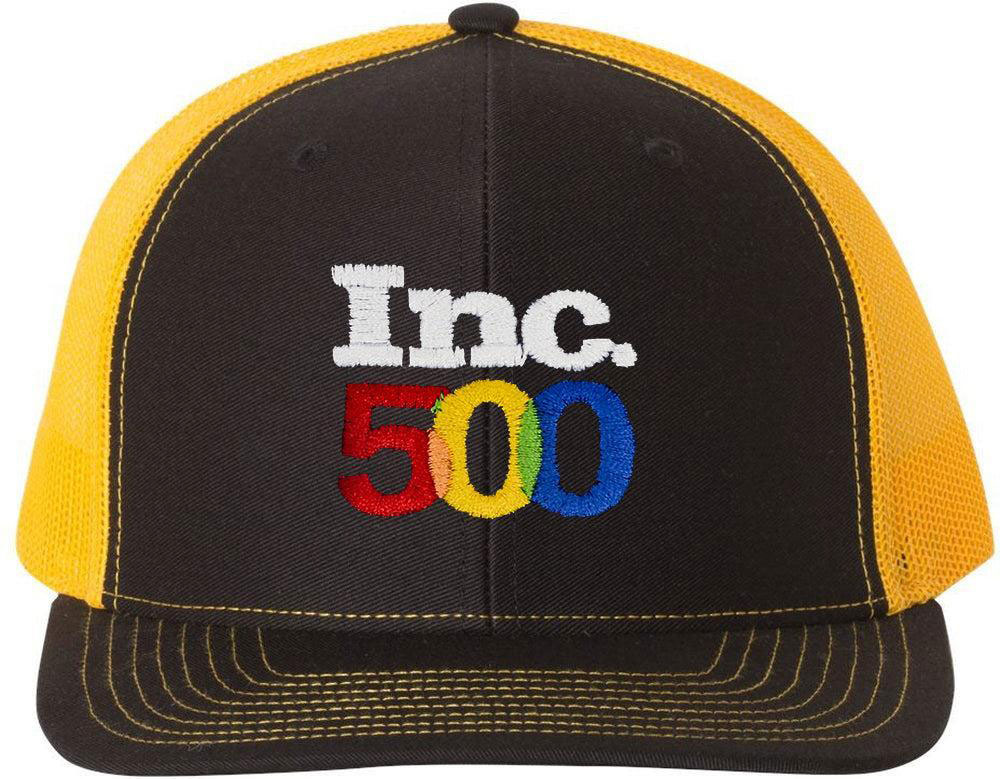
Typical Embroidery Sizes by Cap Placement
Exact sizes depend on the cap style and brand, so always measure the actual blank. These ranges are a reliable starting point for structured, six-panel caps.
| Placement | Typical max height | Typical max width | Best for |
|---|---|---|---|
| Front panel | About 2 to 2.25 in (50 to 57 mm) | About 4 to 5 in (100 to 125 mm) | Main logo or wordmark |
| Side panel | About 1.75 in (45 mm) | About 2.5 in (64 mm) | Small icon, number or flag |
| Back arch (above the strap) | About 1 in (25 mm) | About 3 to 4 in (75 to 100 mm) | Website, tagline or short text |
| Back center (closed-back caps) | About 2 in (50 mm) | About 3 in (75 mm) | Secondary logo |
| Visor | About 0.75 in (19 mm) | About 3 in (75 mm) | Small text, usually on flat visors |
Low-profile and unstructured caps usually have less front height than these figures. Check before you finalize the size.
How to Simplify a Logo for a Cap
- Drop the smallest text. On a 2 inch tall front design, a tagline under about 5 mm (0.2 in) tall will not stay readable. Move it to the back arch or remove it.
- Thicken thin lines. Hairline outlines and thin strokes disappear or wobble on the curved panel. Bold them up or remove them.
- Reduce the color count. Each color adds a stop. Merging similar shades keeps the design clean and the run time shorter.
- Replace gradients. Thread cannot blend smoothly at small sizes. Use two or three solid tones instead.
- Keep shapes compact. Wide, flat logos fit the front panel better than tall ones, because cap height is the tightest limit.
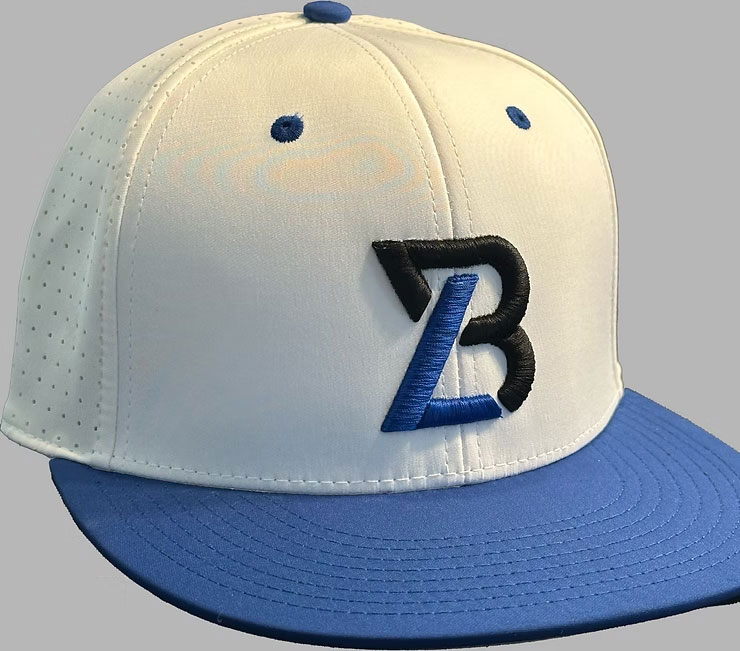
Structured vs Unstructured Caps
Structured caps have a firm front panel backed with buckram. They hold their shape while stitching, so they handle denser designs and 3D puff well.
Unstructured caps are soft and flex as the needle goes in. Designs for them need lighter density and stronger underlay, and puff is rarely a good idea. Tell your digitizer which style you are running, because the same file will not sew the same way on both.
What to Send Your Digitizer
- The highest quality artwork you have. A vector file (AI, EPS, PDF or SVG) is best, but a clear PNG or JPG works.
- The cap brand and style, or a photo of the blank.
- Placement and finished size in inches or millimeters.
- Thread colors, ideally as a thread chart number or Pantone reference.
- Whether any part should be 3D puff.
- The file format your machine reads, such as DST or PES.
Sending all six at once removes most of the back and forth that slows a cap order down.
Frequently Asked Questions
Can I use the same file for a shirt and a cap?
Usually not. Caps need a different stitch order, sewing from the center out and from the bottom up, to stop the design shifting on the curved panel. A shirt file run on a cap often leaves gaps and crooked outlines.
What is the biggest logo I can put on the front of a cap?
On most structured caps, about 2.25 inches tall and 4 to 5 inches wide. Measure your blank, because brands and profiles vary.
My logo is detailed. Will it work on a hat?
Often, once it is simplified. A good digitizer will suggest which details to keep, which to bold up, and which to move to another placement.
How much does cap digitizing cost?
Cap logos are priced by placement. See our pricing page for current rates. You get a quote before any work begins.
Get a Cap-Ready File
Send us your logo and cap details. We will tell you if anything needs simplifying, then digitize it for the exact cap and placement. Files are delivered within 24 hours, with free edits until it sews clean. See our cap embroidery digitizing service or get a quote.