You send your logo to a screen printer and get the same reply every time: “Do you have a vector file?” If all you have is a JPG from your website, that question can stall the whole order.
This guide explains the difference between raster and vector files in plain terms, how to check which one you have, and what happens when a raster logo needs to be converted.
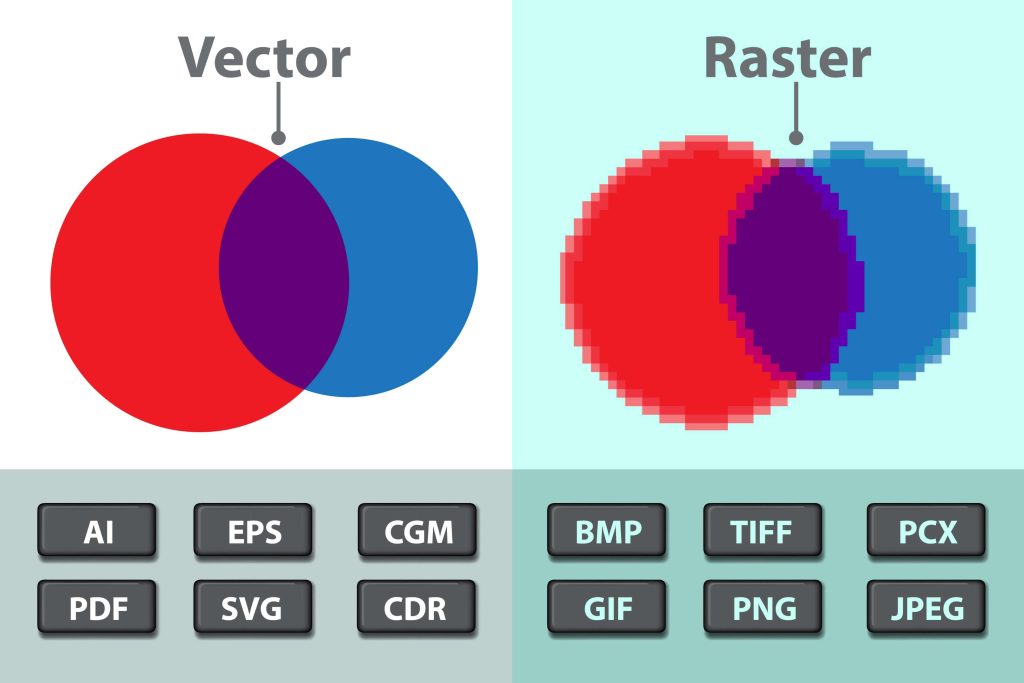
The Short Answer
A raster file is made of pixels. A vector file is made of shapes defined by math. Pixels lose quality when you enlarge them, while vector shapes stay sharp at any size, from a business card to a banner.
| Raster | Vector | |
|---|---|---|
| Built from | Pixels (tiny colored squares) | Paths, points and curves |
| Common formats | JPG, PNG, GIF, BMP, TIFF | AI, EPS, SVG, PDF (when saved from vector software) |
| Scaling up | Gets blurry or blocky | Stays sharp at any size |
| Colors | Thousands of blended pixel colors | Clean, separate color areas |
| Best for | Photos and web images | Logos, print separations and cutting |
How to Tell Which File You Have
- Zoom in to 400% or more. If the edges turn jagged or blurry, it is raster. If they stay smooth, it is likely vector.
- Check the extension, carefully. JPG and PNG are always raster. AI, EPS, SVG and PDF can be vector, but they can also just contain a pasted raster image.
- Open it in vector software. In Illustrator or Inkscape, an outline view shows the paths. A raster image inside the file shows up as a single box.
- Ask where it came from. Files from the original designer or brand guidelines are more likely to be true vectors than files saved from a website.
Why Printers Need Vector Files
Screen printing needs one film or screen per color, so each color has to be a clean, separate shape. Vector art makes those separations accurate. A pixel-based logo gives soft, fuzzy edges that print as blurry outlines. Our vector art for screen printing page explains how separations are prepared.
DTF printing, vinyl cutting and engraving have the same need for clean edges. Cutters and lasers follow paths, so they cannot work from pixels at all. See vector graphics for DTF printing for print-ready file details.
What Raster to Vector Conversion Really Involves
There are two ways to turn a raster logo into a vector, and the results are very different.
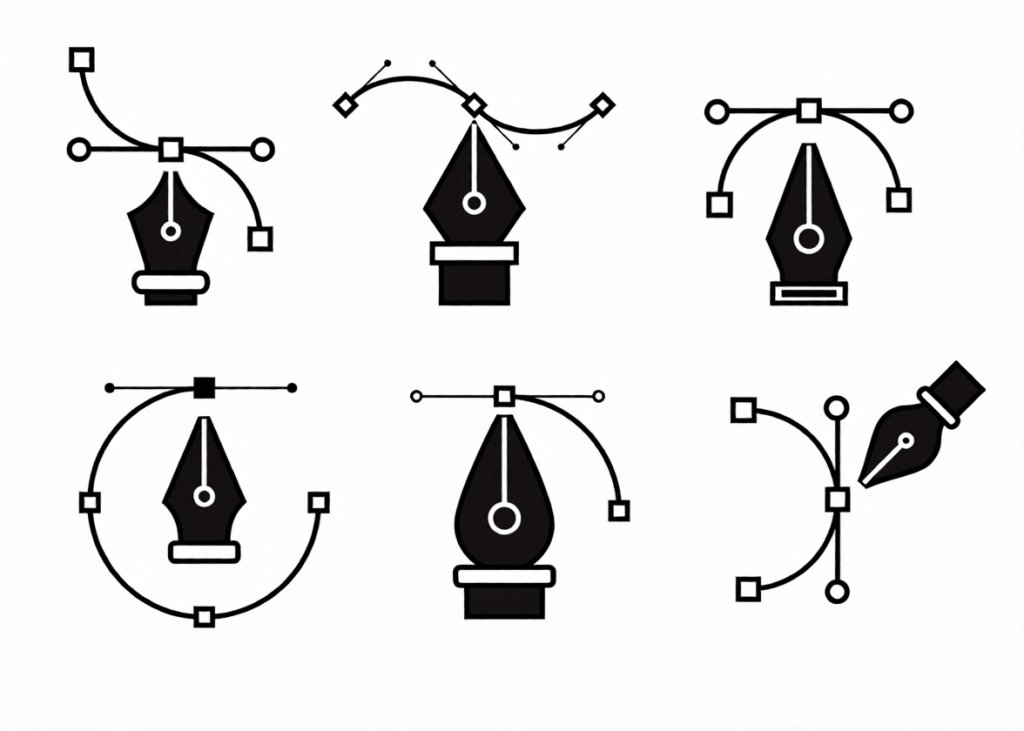
- Auto-tracing. Software guesses the shapes from the pixels. It is quick, but it creates wobbly edges, too many anchor points and lumpy curves, especially on small or blurry logos.
- Manual redrawing. A designer rebuilds the logo by hand: clean curves, matched fonts, correct colors and as few points as possible. The result looks like the original was made in vector from the start.
For anything going to print, cutting or embroidery, manual redrawing is the safer choice. Auto-traced files often cause problems in separations and cutting that cost more to fix later.
What to Send for a Clean Conversion
- The largest, clearest version of the logo you can find.
- Any brand colors as Pantone or HEX values.
- The font name, if you know it.
- How the file will be used: screen printing, DTF, vinyl, engraving or signage.
- The format you need back, such as AI, EPS, SVG or PDF.
Frequently Asked Questions
Can I just save my JPG as a PDF or EPS?
No. Saving a raster image in a vector format only wraps the pixels in a new file. It is still raster inside, and a printer will spot it right away.
Is a PNG with a transparent background a vector?
No. Transparency is useful, but a PNG is still made of pixels.
How much does vector conversion cost?
It depends on the detail in the logo. See our pricing page for current rates. You get a quote before any work starts.
Get Your Logo Redrawn as a True Vector
Stuck with a low-quality logo? Send us what you have. We redraw it by hand into a clean vector file ready for printing, cutting or embroidery. See our vector artwork services or get a quote.